> ## Documentation Index
> Fetch the complete documentation index at: https://api-doc.xmenu.it/llms.txt
> Use this file to discover all available pages before exploring further.
# Introduction
> Welcome to the xMenu API documentation
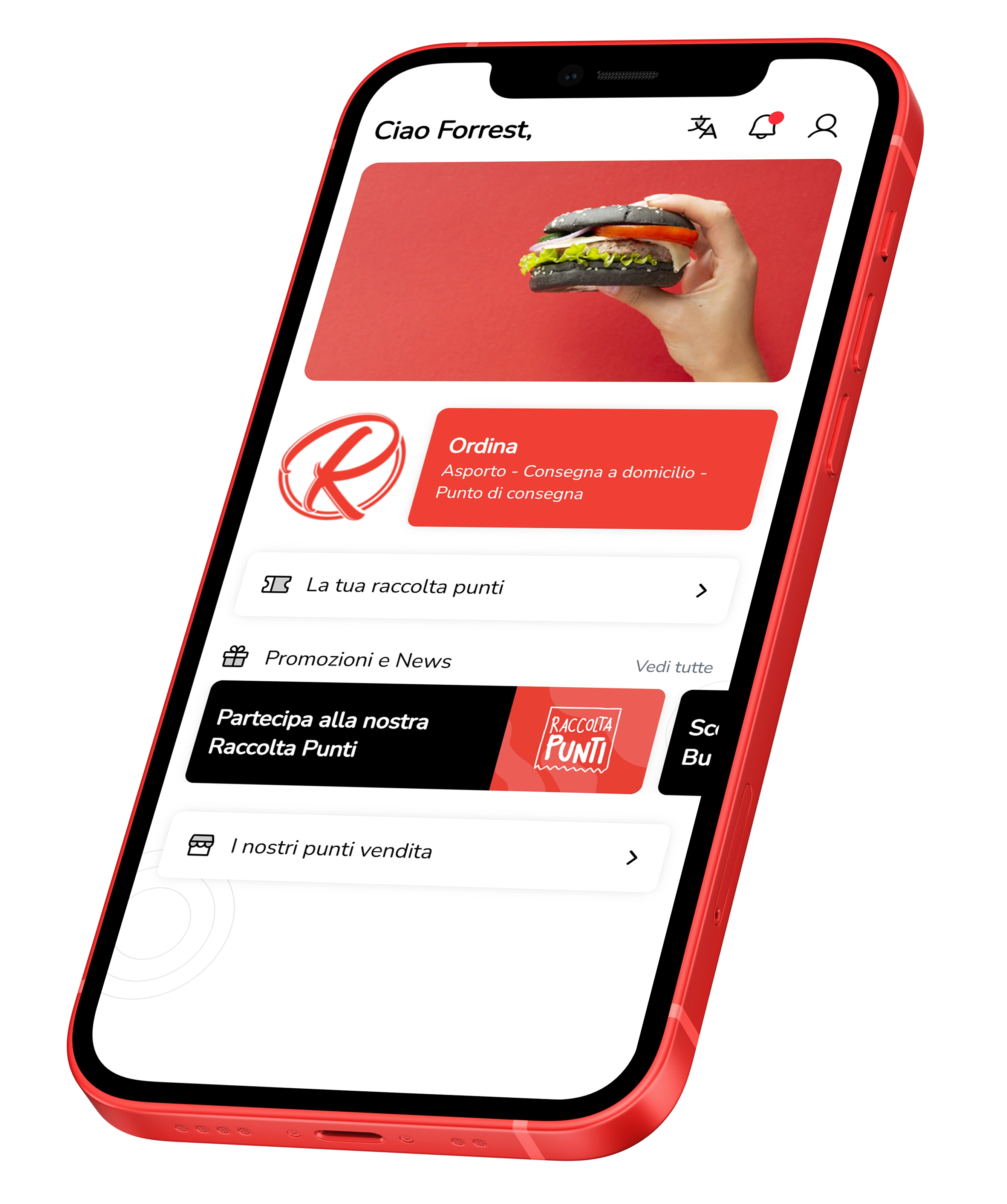 Welcome to the xMenu API documentation, the complete platform for managing online orders, digital menus, and notifications for your restaurant.
The xMenu APIs allow you to integrate your management system with the xMenu platform to:
Receive, confirm, and manage orders in real-time via webhooks and REST APIs
Import and sync categories, products, prices, and availability
Send personalized notifications to your app customers
View and manage your customer information
## Get started
This documentation will guide you through all available endpoints, data formats, authentication, and best practices for a secure and effective integration.
Learn how to enable and configure API access
Learn how to authenticate your requests
Welcome to the xMenu API documentation, the complete platform for managing online orders, digital menus, and notifications for your restaurant.
The xMenu APIs allow you to integrate your management system with the xMenu platform to:
Receive, confirm, and manage orders in real-time via webhooks and REST APIs
Import and sync categories, products, prices, and availability
Send personalized notifications to your app customers
View and manage your customer information
## Get started
This documentation will guide you through all available endpoints, data formats, authentication, and best practices for a secure and effective integration.
Learn how to enable and configure API access
Learn how to authenticate your requests